Table of Contents
- 1. 📧 Email Management — จัดการ Inbox ให้หมดจด
- 2. 🌅 Morning Briefing — สรุปทุกอย่างก่อนเริ่มวัน
- 3. 📅 Calendar Management — จัดการนัดหมายผ่าน Chat
- 4. 🛒 Automated Shopping — สั่งของให้อัตโนมัติ
- 5. ✈️ Travel Management — จัดการเที่ยวบินและ Check-in
- 6. 💻 Remote Development — Code จากมือถือ
- 7. 🏠 Smart Home Control — ควบคุมบ้านด้วยภาษาธรรมชาติ
- 8. 👨👩👧 Family Coordination — ผู้ช่วยครอบครัว
- 9. 📊 Research & Content Curation — สรุปข้อมูลให้
- 10. 🚗 Negotiation Agent — ให้ AI ต่อราคาแทน
- Bonus: Multi-Agent Collaboration 🤖🤖
- สรุป: Use Cases ที่ได้รับความนิยมสูงสุด
- Resources
หลังจากดู showcase ของ Moltbot และอ่าน testimonials จาก community มาเยอะมาก ผมสังเกตว่ามี use cases บางอย่างที่คนใช้ซ้ำๆ กันเยอะ — ไม่ใช่แค่ demo แต่ใช้จริงทุกวัน
วันนี้ผมจะมาสรุป 10 use cases ที่ได้รับความนิยมที่สุด พร้อมตัวอย่างจากผู้ใช้จริงครับ
1. 📧 Email Management — จัดการ Inbox ให้หมดจด
ปัญหา: Email ท่วมหัว unread เป็นพัน ไม่มีเวลาอ่านทุกอัน
วิธีใช้ Moltbot:
- ให้ AI อ่าน email ทุกเช้า
- สรุปเนื้อหาสำคัญส่งมาทาง Telegram/WhatsApp
- Unsubscribe newsletters ที่ไม่อ่าน
- Draft reply ให้อัตโนมัติ
- สร้าง todo items จาก email สำคัญ
ตัวอย่างจริง:
“Cleared 10,000 emails from my inbox (Day 1)” — @jdrhyne
“Added supabase + mail-reader tools and set a daily cron. Every morning it reads my unread emails, sends me a summary on WhatsApp, and auto-creates todos in the DB.” — @DhruvalGolakiya
วิธี Setup:
"Set up daily email summary at 7am.
Read my first 10 unread emails, summarize important ones,
and create todos for anything that needs action."
Moltbot จะใช้ Gmail skill (ผ่าน gog CLI) อ่าน email แล้วสรุปให้
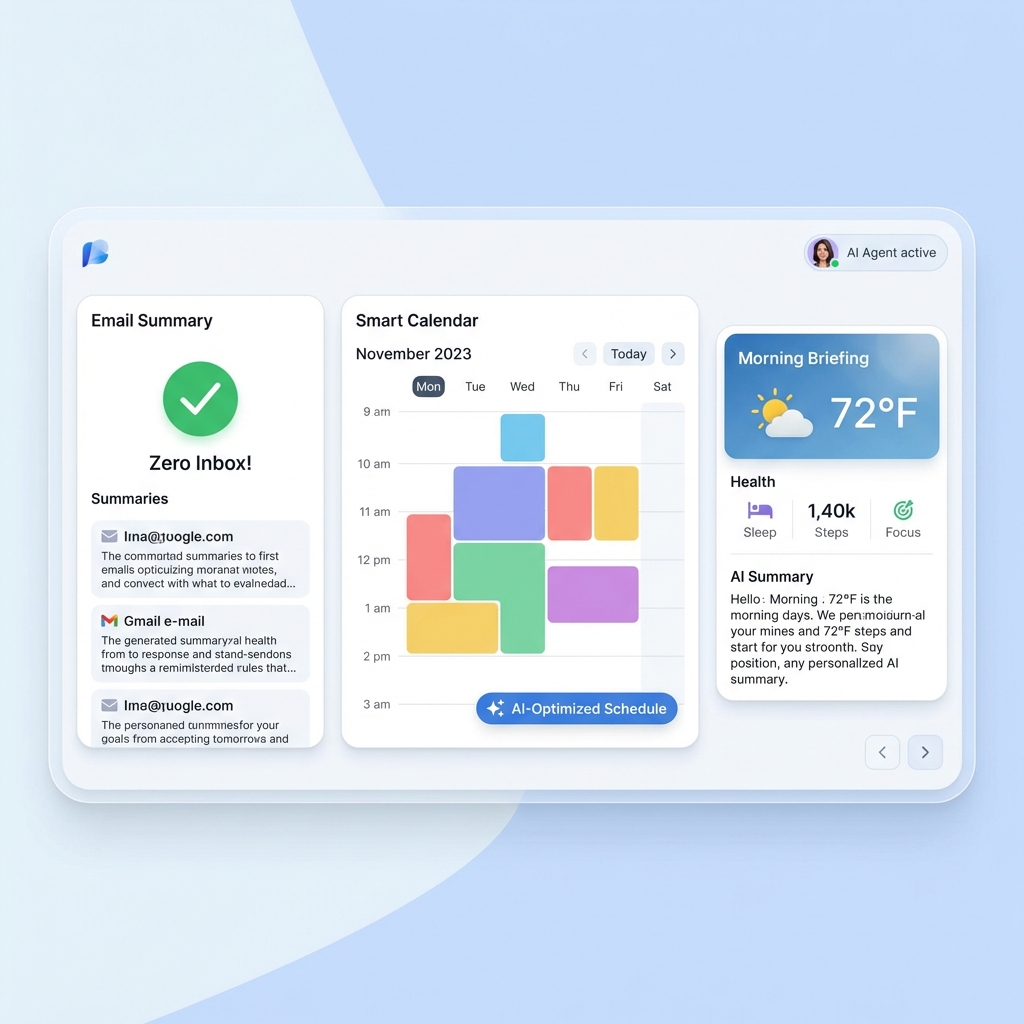
2. 🌅 Morning Briefing — สรุปทุกอย่างก่อนเริ่มวัน
ปัญหา: เช้ามาต้องเช็คหลาย apps — calendar, email, news, weather, health data
วิธีใช้ Moltbot:
สร้าง cron job ให้ส่ง morning briefing มาทุกเช้า รวมทุกอย่างในที่เดียว:
- Weather — สภาพอากาศวันนี้
- Calendar — นัดหมายที่จะเกิดขึ้น
- Tasks — สิ่งที่ต้องทำวันนี้
- Health stats — ข้อมูลจาก Whoop, Garmin, Apple Health
- News — ข่าวที่เกี่ยวข้องกับความสนใจ
- Quote — คำคมจากหนังสือที่อ่าน
ตัวอย่างจริง:
“Gives a morning daily brief: weather, weekly objectives, health stats, meetings agenda, key reminders, trending topics, stuff I should read based on current objectives, a relevant quote from my books” — @danpeguine
วิธี Setup:
"Create a morning briefing cron that runs at 6:30am every day.
Include: weather in Bangkok, today's calendar events,
my top 3 tasks from Notion, and sleep score from Garmin."
3. 📅 Calendar Management — จัดการนัดหมายผ่าน Chat
ปัญหา: ต้องเปิด Google Calendar ทุกครั้งที่จะดู/เพิ่ม/แก้ไขนัด
วิธีใช้ Moltbot:
- พูดภาษาธรรมชาติว่า “นัด meeting กับ John วันพุธบ่าย 3”
- ถามว่า “พรุ่งนี้มีอะไรบ้าง”
- แก้ conflicts อัตโนมัติ
- ส่ง reminder ก่อนนัดหมาย
ตัวอย่างจริง:
“Chat based calendar management with @moltbot is one of the best uses of an LLM I’ve ever experienced. Work, personal, and family calendar access. Chat to change/add/check in. Can be shared with a spouse or family.” — @theaaron
“Timeblocks tasks in my calendar based on importance. Manages the calendar for any conflicts autonomously.” — @danpeguine
วิธี Setup:
"Connect to my Google Calendar.
When I say 'schedule meeting with X on Y', create the event.
Check for conflicts before confirming."
4. 🛒 Automated Shopping — สั่งของให้อัตโนมัติ
ปัญหา: ต้องจำว่าของหมดอะไร ต้องเข้าเว็บสั่งเอง
วิธีใช้ Moltbot:
- AI login เข้าเว็บ supermarket
- เพิ่มของในตะกร้าตามที่บอก
- จัดการ MFA ผ่าน SMS bridge
- แจ้ง confirmation ก่อน checkout
ตัวอย่างจริง:
“My @moltbot has managed to order things itself from @albertheijn (our supermarket) when our cleaning lady sent me a message. It logged in using shared credentials in my @1Password, then waited for the old style text message MFA (read it through @beeper iMessage bridge using MCP). And placed the items in my basket!” — @dreetje
⚠️ หมายเหตุ: ต้องระวังเรื่อง security — ควรให้ Moltbot มี credentials แยกต่างหากและตั้ง spending limit
5. ✈️ Travel Management — จัดการเที่ยวบินและ Check-in
ปัญหา: ลืม check-in เที่ยวบิน, ต้องจัดการ itinerary เอง
วิธีใช้ Moltbot:
- หาเที่ยวบินใน email
- Check-in ให้อัตโนมัติ
- เลือกที่นั่งตามที่ชอบ (window seat)
- สร้าง itinerary summary
ตัวอย่างจริง:
“Finds my next flight in email, runs through check-in, finds me a window seat. While I’m driving.” — @armanddp
วิธี Setup:
"Monitor my email for flight confirmations.
24 hours before departure, automatically check me in
and select a window seat if available.
Send me the boarding pass via WhatsApp."
6. 💻 Remote Development — Code จากมือถือ
ปัญหา: อยู่นอกบ้าน ไม่มี laptop แต่อยากแก้ bug หรือ ship feature
วิธีใช้ Moltbot:
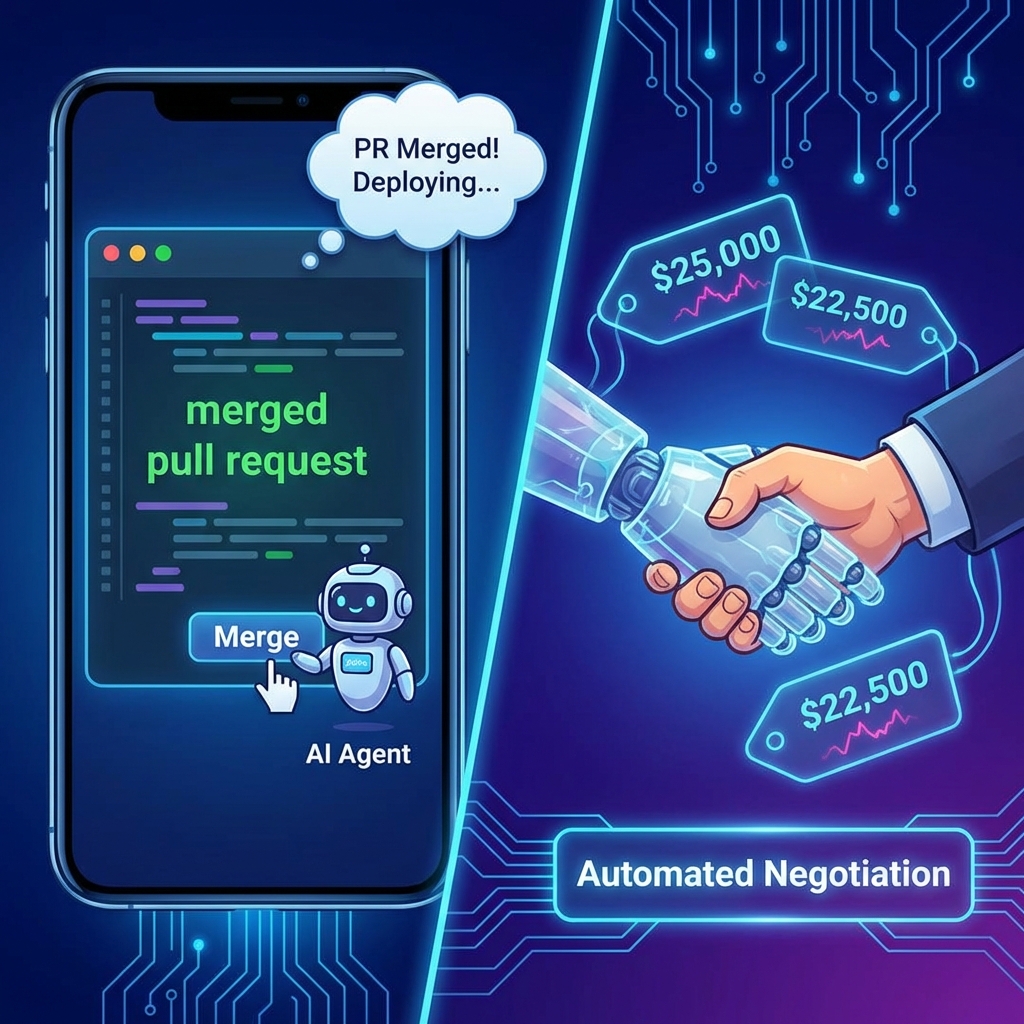
- สั่งให้ Moltbot รัน Claude Code หรือ Codex agent
- ส่ง screenshot ของ bug ไป
- AI แก้ไขและ push PR
- Review และ merge ผ่าน chat
ตัวอย่างจริง:
“Rebuilt my entire site via Telegram while watching Netflix in bed. Notion → Astro, 18 posts migrated, DNS moved to Cloudflare. Never opened my laptop.” — @davekiss
“I’m literally debugging my fitness app mid-workout with Moltbot. Between sets: ‘here’s the bug’ → it patches → I keep moving.” — @Diego_F_Aguirre
“Submitted my first ever app to Apple for review. Mostly done through @moltbot using Telegram - amazing not having to be at my computer to iterate.” — @CopyKatCapital
วิธี Setup:
"When I send you a screenshot of a bug,
analyze it, go to the project directory,
spin up a Codex agent, fix the issue,
and open a PR. Send me the PR link when done."
7. 🏠 Smart Home Control — ควบคุมบ้านด้วยภาษาธรรมชาติ
ปัญหา: ต้องเปิดหลาย apps เพื่อควบคุม smart home devices ต่างยี่ห้อ
วิธีใช้ Moltbot:
- ควบคุม lights, music, thermostat
- รวมทุก platform ในที่เดียว (HomePod, Alexa, Home Assistant)
- สร้าง automation rules ผ่าน chat
ตัวอย่างจริง:
“Moltbot found my HomePods on the network and built a skill to control them.” — @localghost
“Just built an alexa cli to control your Alexa devices (including all Alexa-enabled smart home devices) with Moltbot.” — @buddyhadry
“Control smart devices: Lights, music, thermostats via natural voice.” — Community
วิธี Setup:
"Discover smart home devices on my network.
Create skills to control HomePod and Hue lights.
When I say 'movie time', dim lights to 20% and play jazz."
8. 👨👩👧 Family Coordination — ผู้ช่วยครอบครัว
ปัญหา: ต้องประสานงานกับคู่ครองและลูกหลายเรื่อง — meal planning, school tests, shared tasks
วิธีใช้ Moltbot:
- วาง meal plan รายสัปดาห์
- สร้าง shopping list แยกตามร้าน
- Remind เรื่องสอบของลูก
- Shared calendar management
ตัวอย่างจริง:
“Tonight we built a full weekly meal planning system in Notion. My wife and I take turns cooking, so we had Crawdad set up: Master meal plan template for all of 2026, Shopping lists sorted by store and aisle, Weather forecast auto-updating on the meal plan list (helps me plan good nights for grilling), It’ll remind me if I need to plan dinner or grab groceries.” — @stevecaldwell
“Notifies my wife and I about our son’s upcoming school tests” — @danpeguine
“Now my home’s PM. Wife and I drop topics anytime, Clawd researches, Sunday 9am sends the roundup.” — @tonylongname
วิธี Setup:
"Create a family meal planning system.
Every Sunday, ask what we want to eat this week,
generate a meal plan, and create shopping lists
sorted by Costco vs regular grocery store."

9. 📊 Research & Content Curation — สรุปข้อมูลให้
ปัญหา: ไม่มีเวลาอ่านทุก article, newsletter, YouTube video
วิธีใช้ Moltbot:
- Monitor RSS feeds และ Hacker News
- สรุป YouTube videos ที่ subscribe
- Research topics และส่ง summary
- Track mentions ของ brand/keyword
ตัวอย่างจริง:
“I have @moltbot setup to look at Hacker News trending and send me links to articles it thinks I’d be interested in! Personal content curation.” — @_KevinTang
“Kicking bad habits with @moltbot. I like watching youtube videos but it’s time I could spend producing. Setup a daily cron that summarizes new videos with key takeaways and actionable insights.” — @chrisrodz35
“Reads my X bookmarks and discusses them with me” — @dreetje, @jdrhyne
วิธี Setup:
"Every morning, check Hacker News front page
and my RSS feeds. Send me 5 articles you think
I'd find interesting based on my past readings.
Include a 2-sentence summary for each."
10. 🚗 Negotiation Agent — ให้ AI ต่อราคาแทน
ปัญหา: ต่อราคาซื้อรถเป็นเรื่อง stressful และ time-consuming
วิธีใช้ Moltbot:
- ให้ AI ติดต่อหลาย dealers พร้อมกัน
- ต่อราคาผ่าน email, browser, iMessage
- เปรียบเทียบข้อเสนอ
- Report กลับมาให้ตัดสินใจ
ตัวอย่างจริง:
“It may not be AGI, but Moltbot is automatically negotiating with multiple dealers for my next car via browser, email, and imessage and it’s amazing.” — @astuyve
และผลลัพธ์:
“Moltbot just saved me $4,200 on a car.” — @astuyve
วิธี Setup:
"I want to buy a [car model]. Contact these 5 dealers,
get their best price, negotiate for better offers,
and compile a comparison for me.
Budget: $X, preferred color: white."
⚠️ หมายเหตุ: นี่เป็น advanced use case ที่ต้อง setup หลาย skills และให้ permissions เยอะ
Bonus: Multi-Agent Collaboration 🤖🤖
หนึ่งใน use cases ที่น่าสนใจที่สุดคือการให้ Moltbot หลายตัวทำงานร่วมกัน
“Two different @moltbot can collaborate!!! @assafdagan and I put our bots in the same WhatsApp group and they are collaborating!!!” — @danpeguine
หรือการใช้ multiple agents ภายในเครื่องเดียว:
“My AI setup as a solo founder - 4 agents, each with their own job: main one for strategy, dev agent for coding, marketing agent for research, business agent for pricing.” — @iamtrebuh
สรุป: Use Cases ที่ได้รับความนิยมสูงสุด
| Rank | Use Case | ความยากในการ Setup |
|---|---|---|
| 1 | Email Management | ง่าย |
| 2 | Morning Briefing | ง่าย |
| 3 | Calendar Management | ง่าย |
| 4 | Remote Development | ปานกลาง |
| 5 | Content Curation | ง่าย |
| 6 | Smart Home Control | ปานกลาง |
| 7 | Family Coordination | ปานกลาง |
| 8 | Travel Management | ปานกลาง |
| 9 | Automated Shopping | ยาก |
| 10 | Negotiation Agent | ยาก |
คำแนะนำสำหรับมือใหม่:
- เริ่มจากง่าย — Email summary หรือ morning briefing
- ค่อยๆ เพิ่ม — เมื่อคุ้นเคยแล้วค่อยเพิ่ม integrations
- ระวัง permissions — ให้แค่ที่จำเป็น โดยเฉพาะ financial actions
- Backup เสมอ — Memory และ config สำคัญมาก
สิ่งที่ทำให้ Moltbot ต่างจาก AI assistants อื่นคือมัน ทำได้จริง ไม่ใช่แค่ตอบคำถาม มันสามารถ login, กดปุ่ม, ส่ง email, สร้างไฟล์ และทำทุกอย่างที่คุณทำบนคอมพิวเตอร์ได้
ลองดูครับ — เริ่มจาก use case ง่ายๆ แล้วคุณจะเข้าใจว่าทำไมคนถึง addicted กับมัน 🦞
Resources
- Moltbot Showcase: https://clawd.bot/showcase
- ClawdHub Skills: https://clawdhub.com
- Awesome Moltbot Skills: https://github.com/VoltAgent/awesome-moltbot-skills
- Discord Community: https://discord.gg/clawd


)